Thought leadership
Podcast transcripts are one of the fastest ways to turn spoken expertise into LinkedIn content without rewriting from scratch.
214 wordsKopieren
Ein einzelner Podcast, ein Meeting oder Video kann zu fertigen Posts für LinkedIn, Instagram und X werden, ohne jedes Mal wieder bei null zu starten.
"A podcast transcript should do more than sit in an archive. One episode can become LinkedIn posts, Instagram captions, X threads, show notes, and newsletter copy when you keep the original voice and pull out the strongest ideas..."
Thought leadership
Podcast transcripts are one of the fastest ways to turn spoken expertise into LinkedIn content without rewriting from scratch.
Personal story
We used to publish a podcast episode once and move on. The shift came when we started treating every transcript as a content library.
Tactical list
5 ways to turn one video or podcast transcript into a week of social media posts, captions, and newsletter angles.
Carousel · 5 slides
How to turn a podcast transcript into an Instagram carousel that teaches one clear idea and still sounds human.
Carousel · 4 slides
Transcript to caption workflow: pull the strongest quote, add context, then build the supporting slides around it.
Single image + caption
Quote-led Instagram caption from a transcript excerpt with a strong first line, supporting lesson, and CTA.
Thread · 6 posts
Podcast transcript repurposing framework: 6 ways to turn one episode into social posts people actually read.
Single tweet
If you publish a podcast without repurposing the transcript, you are leaving your best copy buried in audio.
Quote tweet hook
A good transcript is not just documentation. It is raw material for captions, threads, posts, and clips.
Von Social Clips bis zu Meetings und Podcasts: Das sind die wichtigsten Workflows, um gesprochene Inhalte in Transkripte, Zusammenfassungen und wiederverwendbaren Text zu verwandeln.

Füge eine Instagram-Reel- oder TikTok-URL ein, um Hooks, Skripte, Zitate und Talking Points zu erfassen, ohne das Video zuerst herunterzuladen.
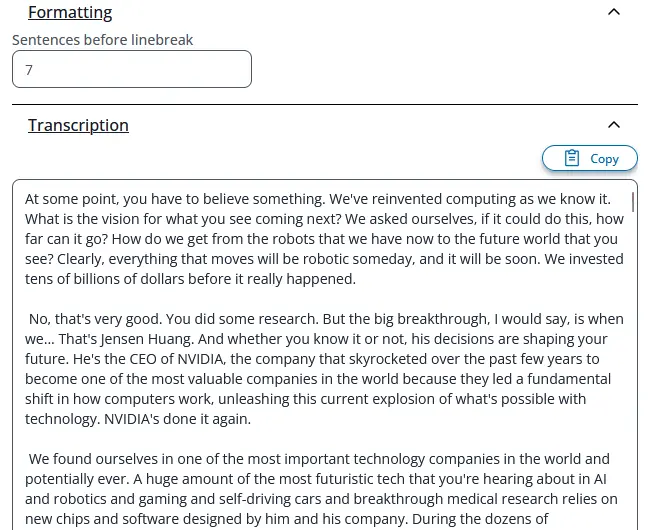
Lade lange Audio- oder Videodateien hoch, um durchsuchbare Transkripte für Bearbeitung, Shownotes, Artikel und Recherche zu erhalten.

Wandle Zoom-Aufnahmen, interne Updates und Voice Memos in saubere Notizen um, die dein Team schnell prüfen, teilen und archivieren kann.

Nutze ein einziges Transkript für mehrsprachige Zusammenfassungen, Posts oder Referenzmaterial für andere Kanäle.
Wähle deine Quelle, erzeuge den Text mit KI und bearbeite und exportiere ihn danach so, wie du ihn brauchst.
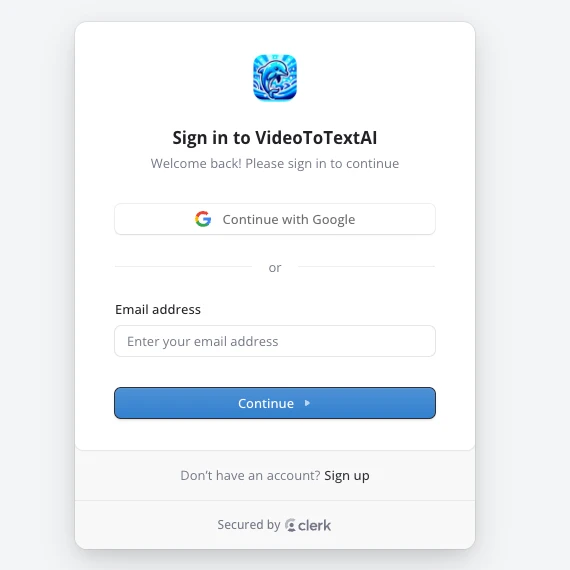
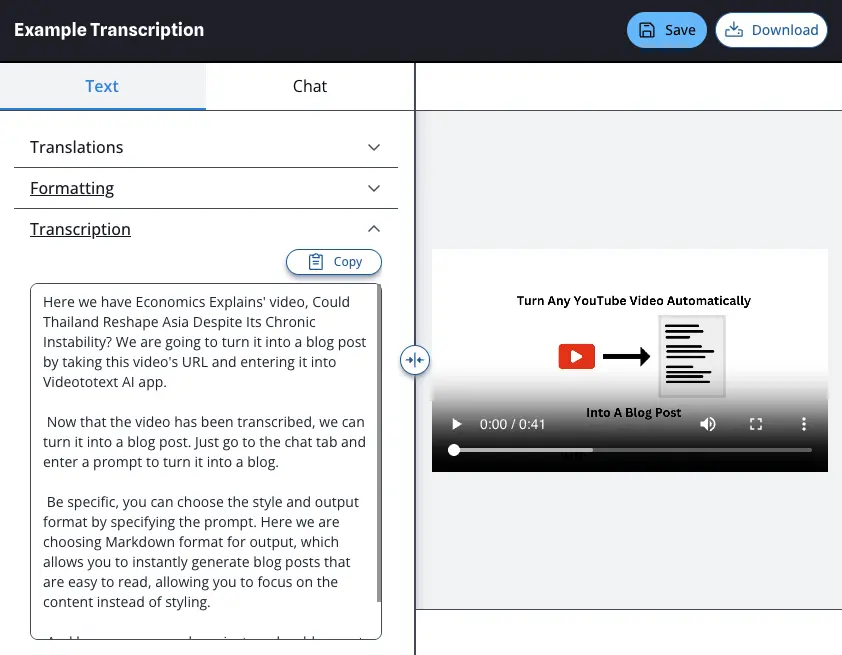
Melde dich an oder erstelle ein Konto bei Video To Text AI. Danach wirst du direkt zu deinem Dashboard weitergeleitet.
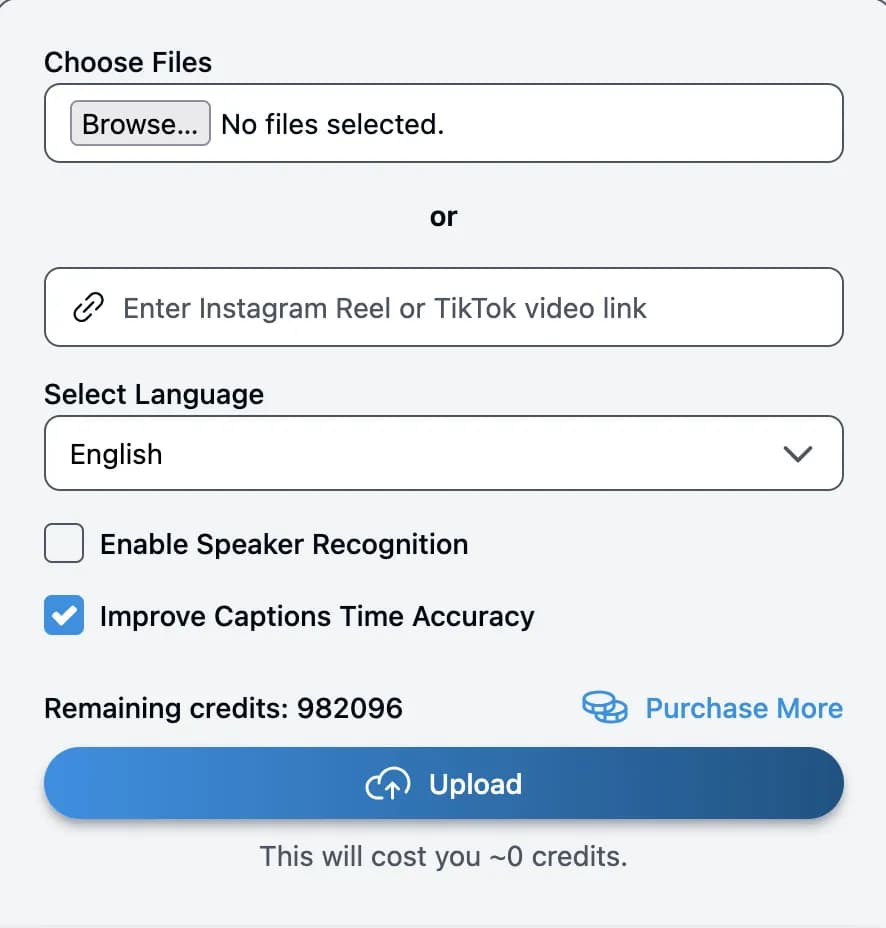
Füge einen Instagram-Reel- oder TikTok-Link ein oder lade eine MP3-, MP4-, MOV- oder andere Audio-/Videodatei von deinem Computer hoch.
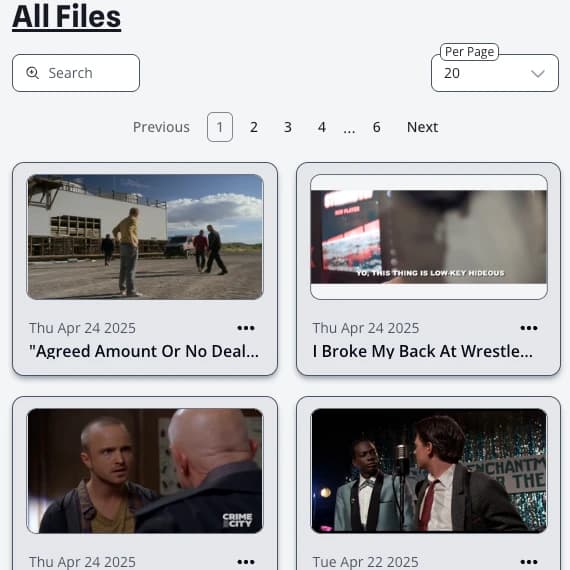
Sobald die Verarbeitung startet, erscheint deine Quelle im Dashboard. Öffne sie, sobald das KI-Transkript fertig ist.
Verfeinere den Text, übersetze ihn, nutze den KI-Chat und exportiere als Text, SRT oder VTT.