Thought leadership
Podcast transcripts are one of the fastest ways to turn spoken expertise into LinkedIn content without rewriting from scratch.
214 wordsCopy
Use one podcast transcript, meeting transcript, or video transcript as the source for platform-ready social media posts, hooks, and threads.
"A podcast transcript should do more than sit in an archive. One episode can become LinkedIn posts, Instagram captions, X threads, show notes, and newsletter copy when you keep the original voice and pull out the strongest ideas..."
Thought leadership
Podcast transcripts are one of the fastest ways to turn spoken expertise into LinkedIn content without rewriting from scratch.
Personal story
We used to publish a podcast episode once and move on. The shift came when we started treating every transcript as a content library.
Tactical list
5 ways to turn one video or podcast transcript into a week of social media posts, captions, and newsletter angles.
Carousel · 5 slides
How to turn a podcast transcript into an Instagram carousel that teaches one clear idea and still sounds human.
Carousel · 4 slides
Transcript to caption workflow: pull the strongest quote, add context, then build the supporting slides around it.
Single image + caption
Quote-led Instagram caption from a transcript excerpt with a strong first line, supporting lesson, and CTA.
Thread · 6 posts
Podcast transcript repurposing framework: 6 ways to turn one episode into social posts people actually read.
Single tweet
If you publish a podcast without repurposing the transcript, you are leaving your best copy buried in audio.
Quote tweet hook
A good transcript is not just documentation. It is raw material for captions, threads, posts, and clips.
From short-form clips to meetings and podcasts, these are the main workflows people use to turn spoken content into transcripts, summaries, and reusable text.

Paste an Instagram Reel or TikTok URL to capture hooks, scripts, quotes, and talking points without downloading the video first.
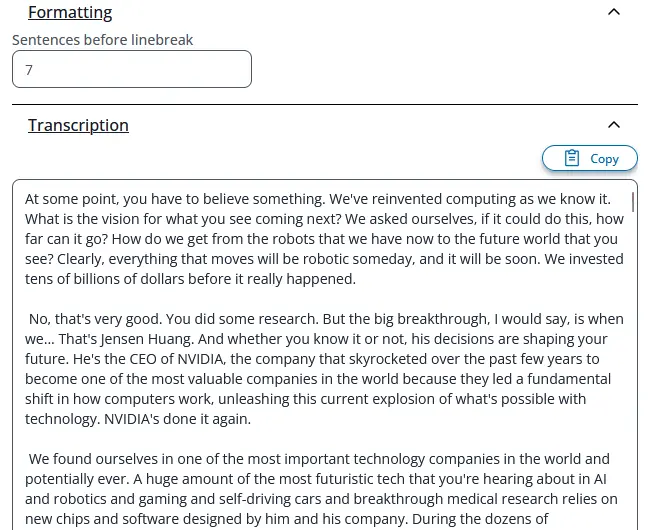
Upload long-form audio or video to get searchable transcripts for editing, show notes, articles, and research.

Convert Zoom recordings, internal updates, and voice memos into clean notes your team can scan, share, and archive.
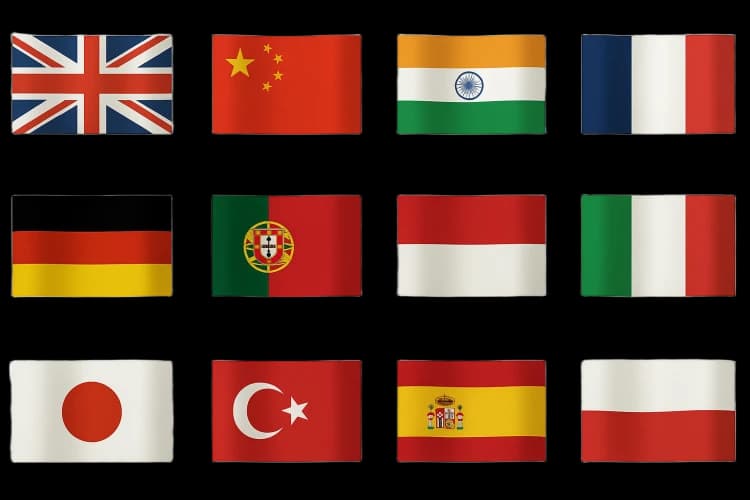
Take one transcript and turn it into multilingual summaries, posts, or reference material for other channels.
Choose your source, generate the text with AI, then edit and export it however you need.
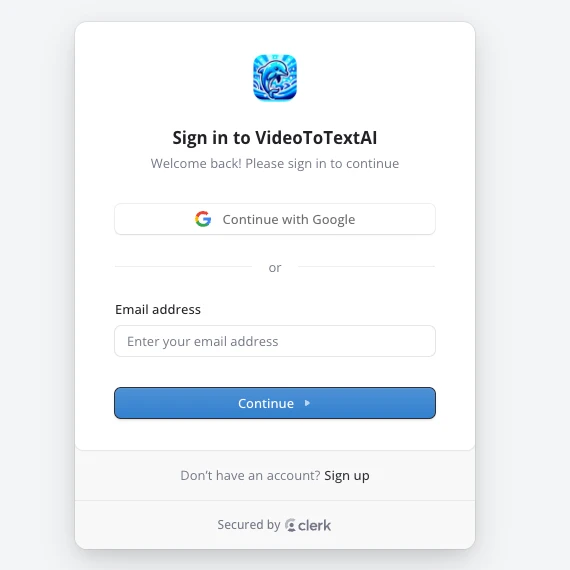
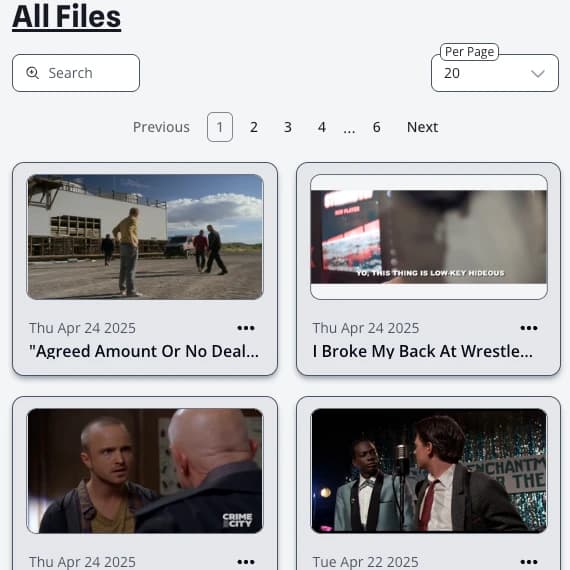
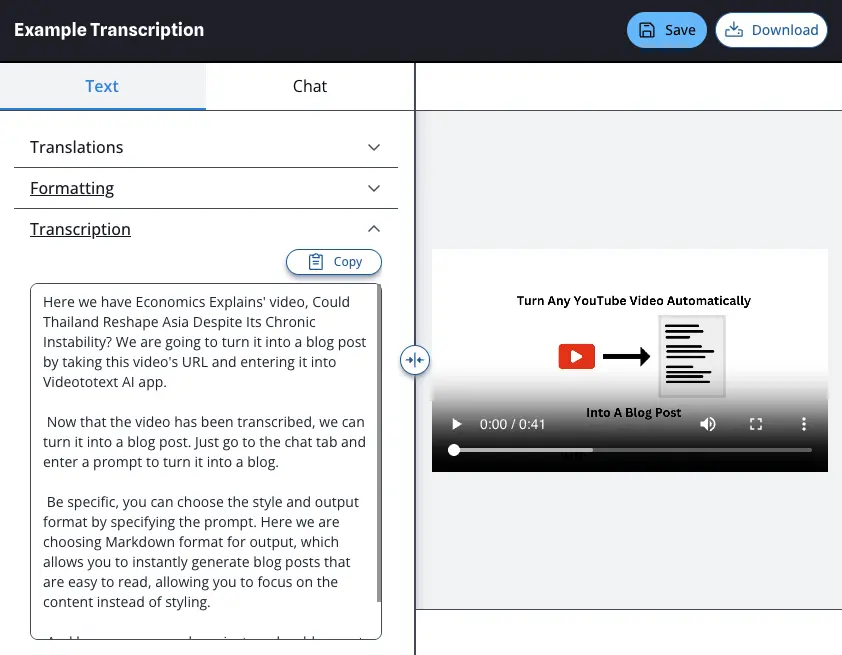
Log in or create an account on Video To Text AI. You will be taken straight to your dashboard afterward.
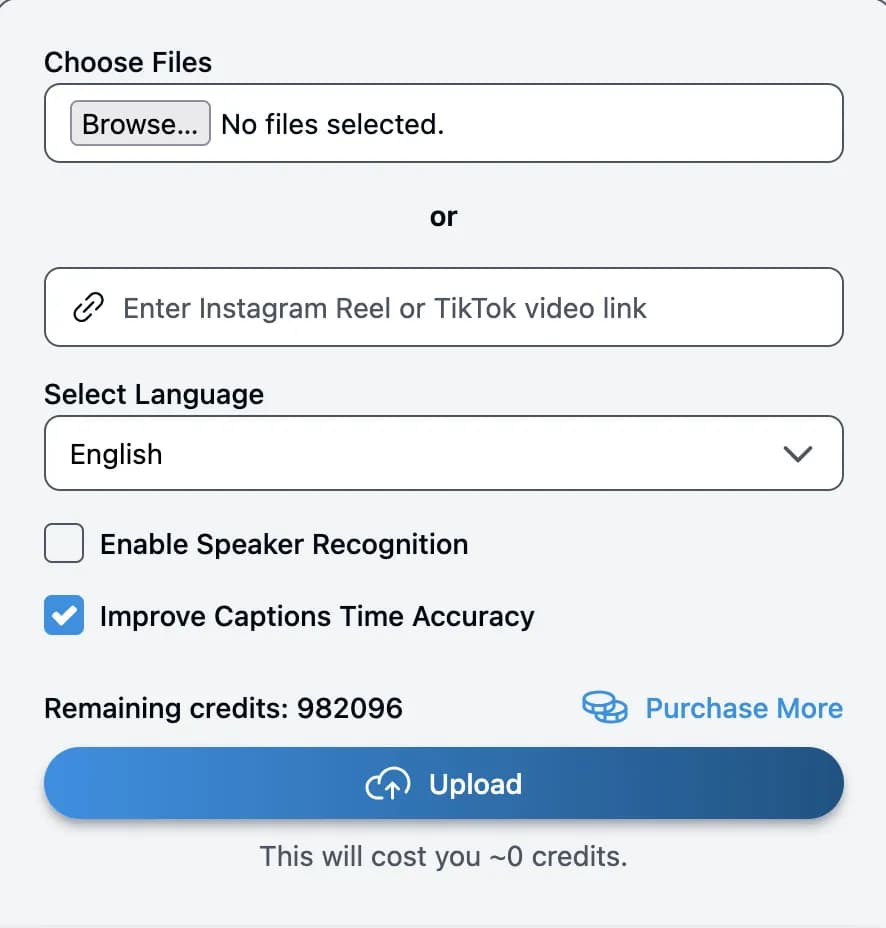
Paste an Instagram Reel or TikTok link, or upload an MP3, MP4, MOV, or other audio/video file from your computer.
As soon as processing starts, your source appears in the dashboard. Open it once the AI transcript is ready.
Refine the text, translate it, use AI chat, and export as text, SRT, or VTT.