Instagram to Summary
Extract viral scripts, instantly summarize content, and turn any Instagram Reel into a blog post.
Paste your Instagram Reel link
We'll fetch the Reel details and show you a preview.
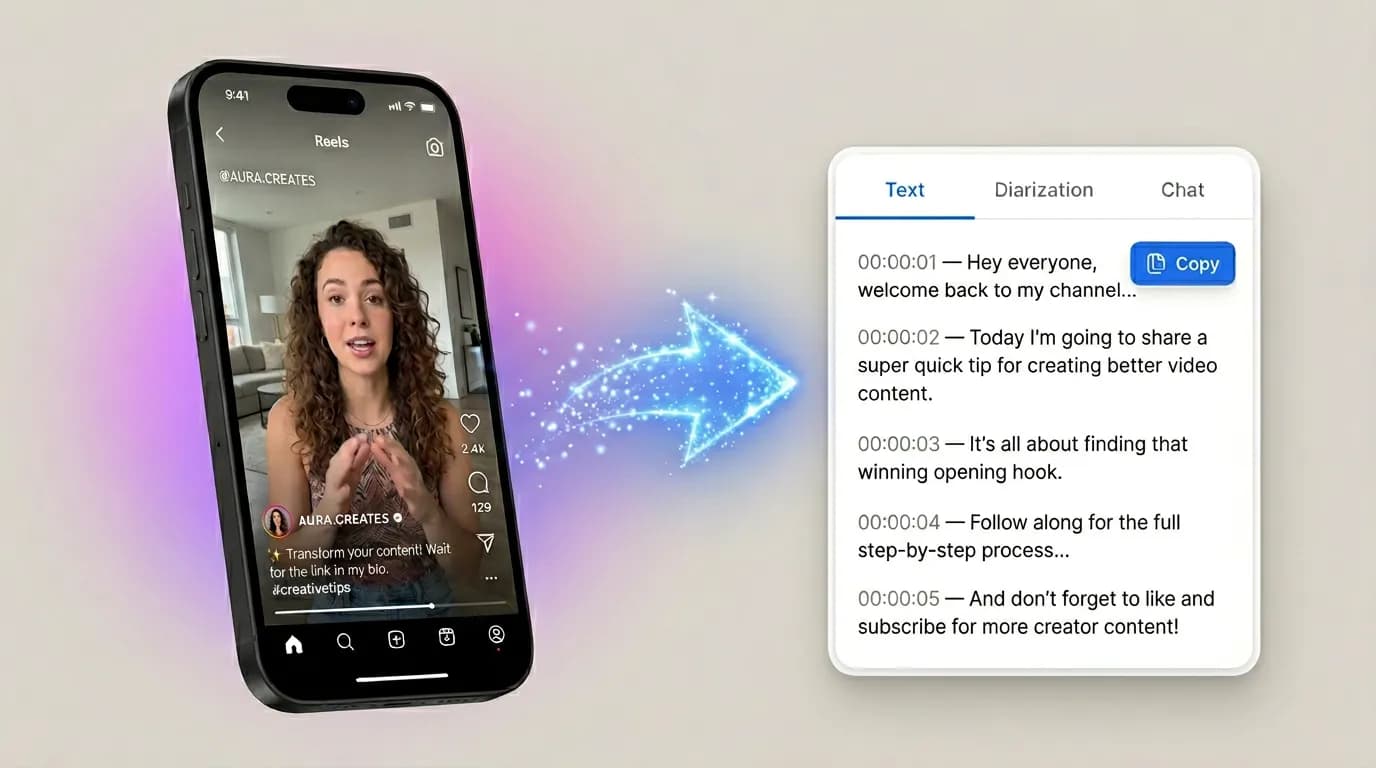
Get the point of every Reel in seconds
Instantly pull the key message, strongest hook, and reusable script ideas so you can repurpose Reels into posts, threads, and blog drafts without starting from scratch.
Why Creators use this tool:
Steal Viral Hooks
Grab the exact script from a trending Reel to model your own.
Repurpose to LinkedIn/Twitter
Turn a 60-second video into a viral text post in one click.
Save Recipes & Workouts
Stop pausing videos to write things down and get the exact instructions instantly.
From Reel to publish-ready assets
Extract the hook, summarize the message, and ship channel-ready drafts for posts, newsletters, and blogs.

Core Message in Seconds
Get the key point fast so you can decide what to repurpose and what to skip.

Hook and Angle Ideas
Pull the strongest opening line and generate fresh angles for follow-up posts.

Repurpose-Ready Summary
Turn one Reel into concise notes you can reuse for carousels, threads, and newsletters.
How to summarize an Instagram Reel
Follow these steps to get your summary.
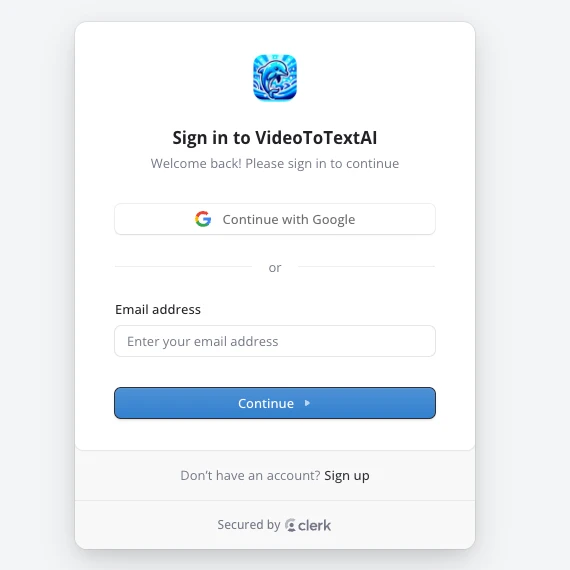
Step 1: Sign in
Log in or create an account to access the summary tool.
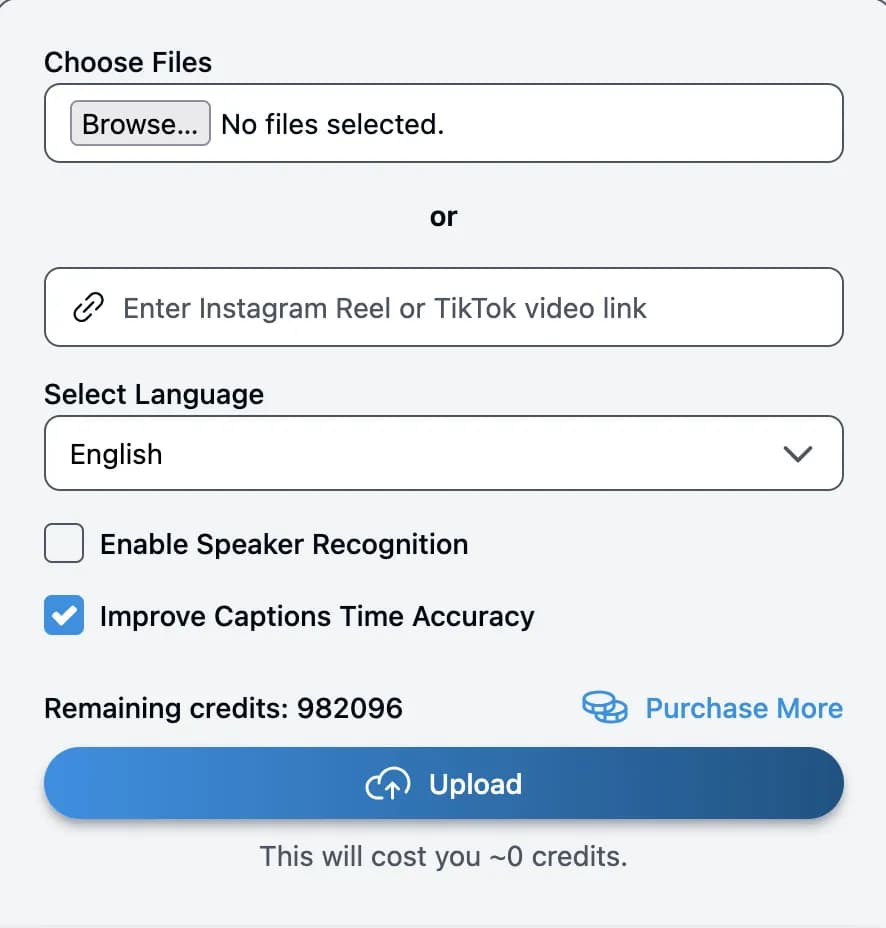
Step 2: Paste Instagram link
Add your Instagram Reel URL to start summarizing.
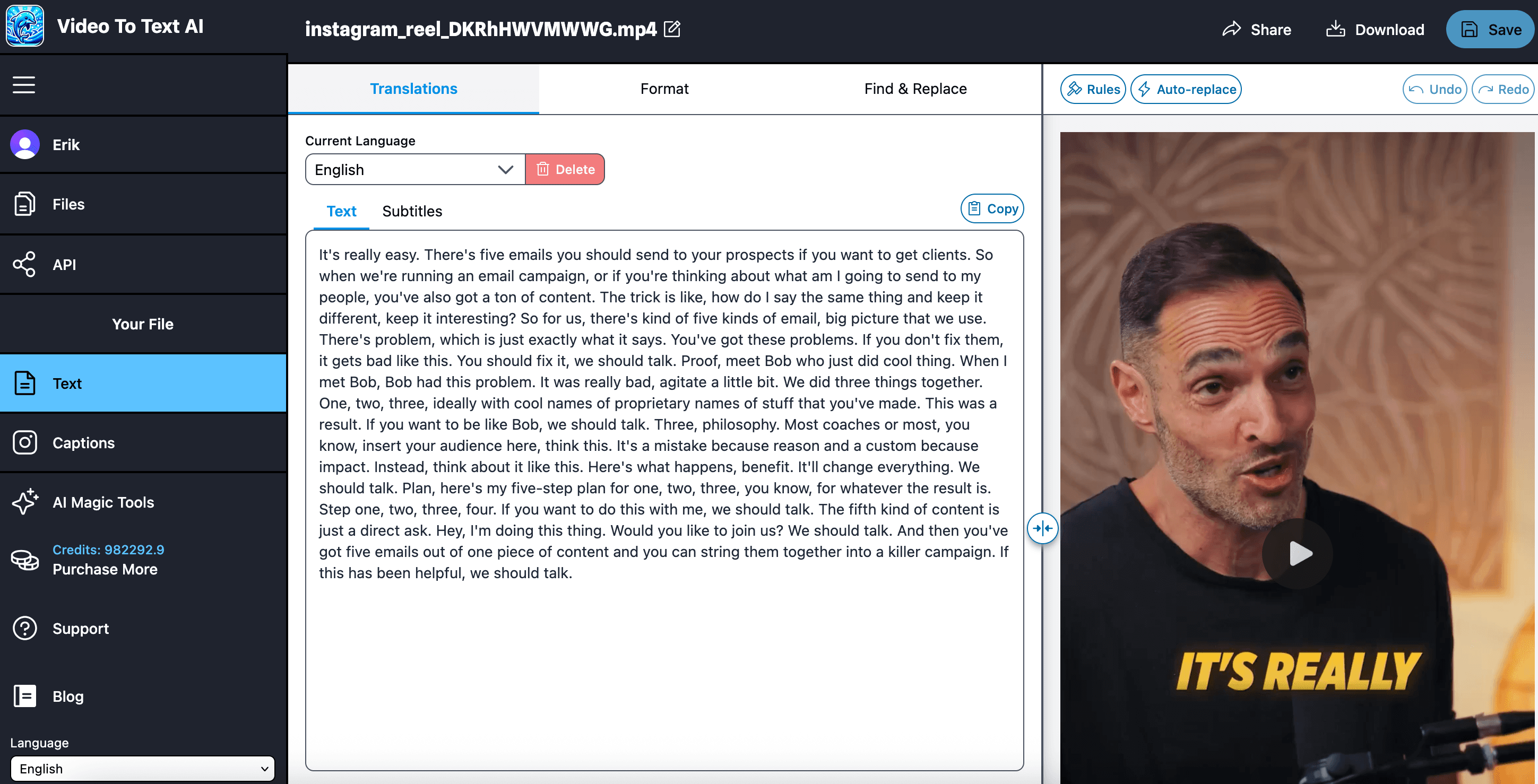
Step 3: Review and download
Edit the summary and export it in your preferred format.
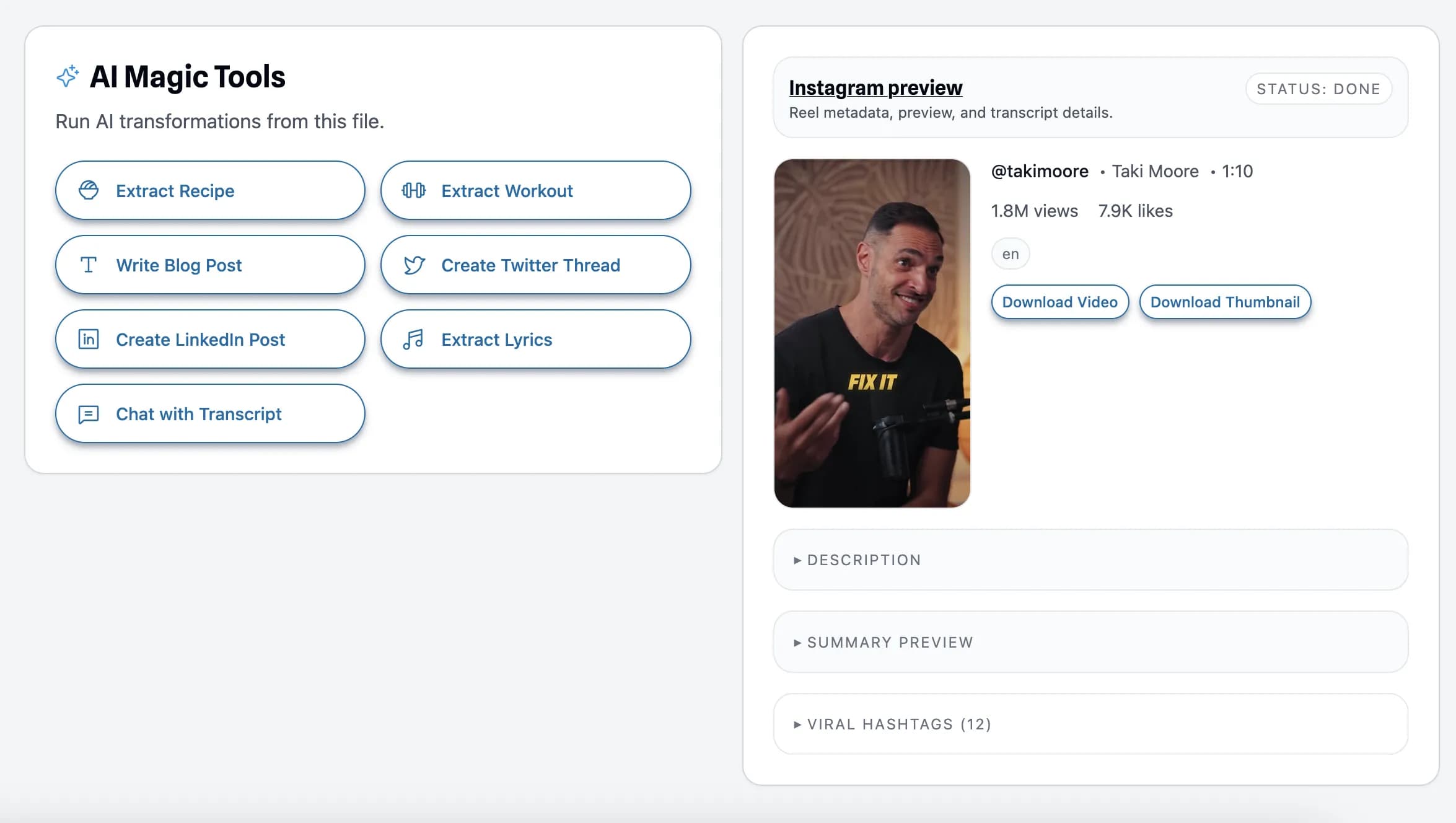
Step 4: Magic Tools
Use Magic Tools to repurpose, refine, and export faster.
Looking for TikTok video transcription?
Use the TikTok summary version here: TikTok to Summary.